Turn any photo, logo, or drawing into a clean, cut-ready stencil — free, in your browser, in seconds. No account, no watermark.
Photos, botanicals, pets, logos, lettering — drag the threshold and watch the stencil form.


Portraits, scenery, product shots — great for wall art and signage.
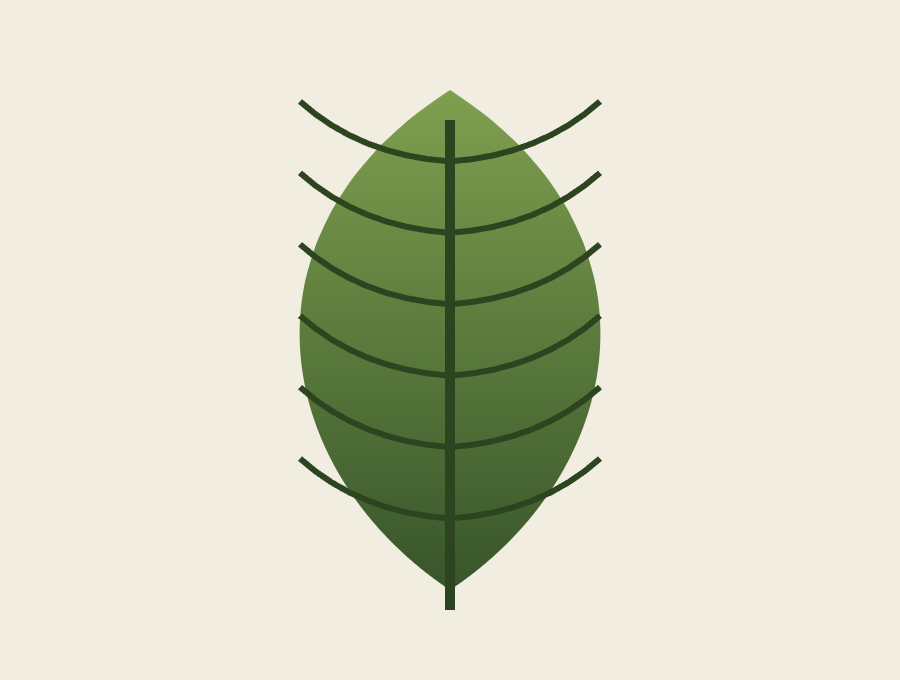

Leaves, florals, and shapes with crisp, clean edges for craft projects.
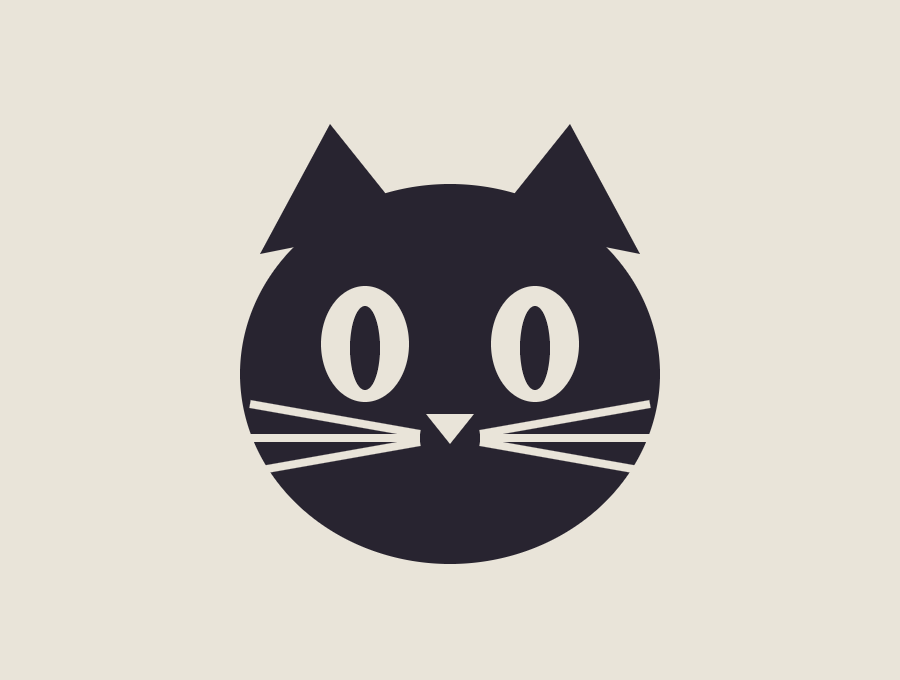

Bold silhouettes with bridge-friendly detail, ready for a craft cutter.
Four steps, no design experience needed.
Drop in a photo, logo, or drawing — or type text instead. Higher contrast gives a cleaner cut.
Slide to set the light-vs-dark cut-off, or hit Auto. Smooth out noise if needed.
Solid fill for classic stencils, or outline mode for clean line art.
Export a print-ready PNG or vector SVG, then cut by hand or on a craft machine.
Whatever you're making, start from the same free converter.
Brand marks & icons, cut-ready.
Make one →Words and letters for signage.
Make one →House numbers, bins, lockers.
Make one →Initials for gifts & decor.
Make one →Custom names for rooms & crafts.
Make one →Seasonal carving templates.
Make one →Portraits & scenes to wall art.
Make one →Any picture, cut-ready in seconds.
Make one →Convert as many images as you like. There's nothing to subscribe to.
All processing happens on your device. Your images stay with you.
Every slider updates the stencil immediately — no waiting on a server.
Works in any modern browser. Nothing to install.
Upload your image, drag the threshold slider until the shapes look right, choose solid or outline, and download the PNG or SVG.
Yes — unlimited conversions, no account, and no watermark on your output.
Yes. Download the SVG for a ready-made cut path, or import the PNG into Cricut Design Space or Silhouette Studio and trace it.
Completely. Conversion runs in your browser and nothing is ever sent to a server.
Free, private, and ready in seconds. No sign-up required.
Open the converter →